Tag: Vivaldi

  • PrivWindoze โ€“ Windows Debloat Tool

    Overview

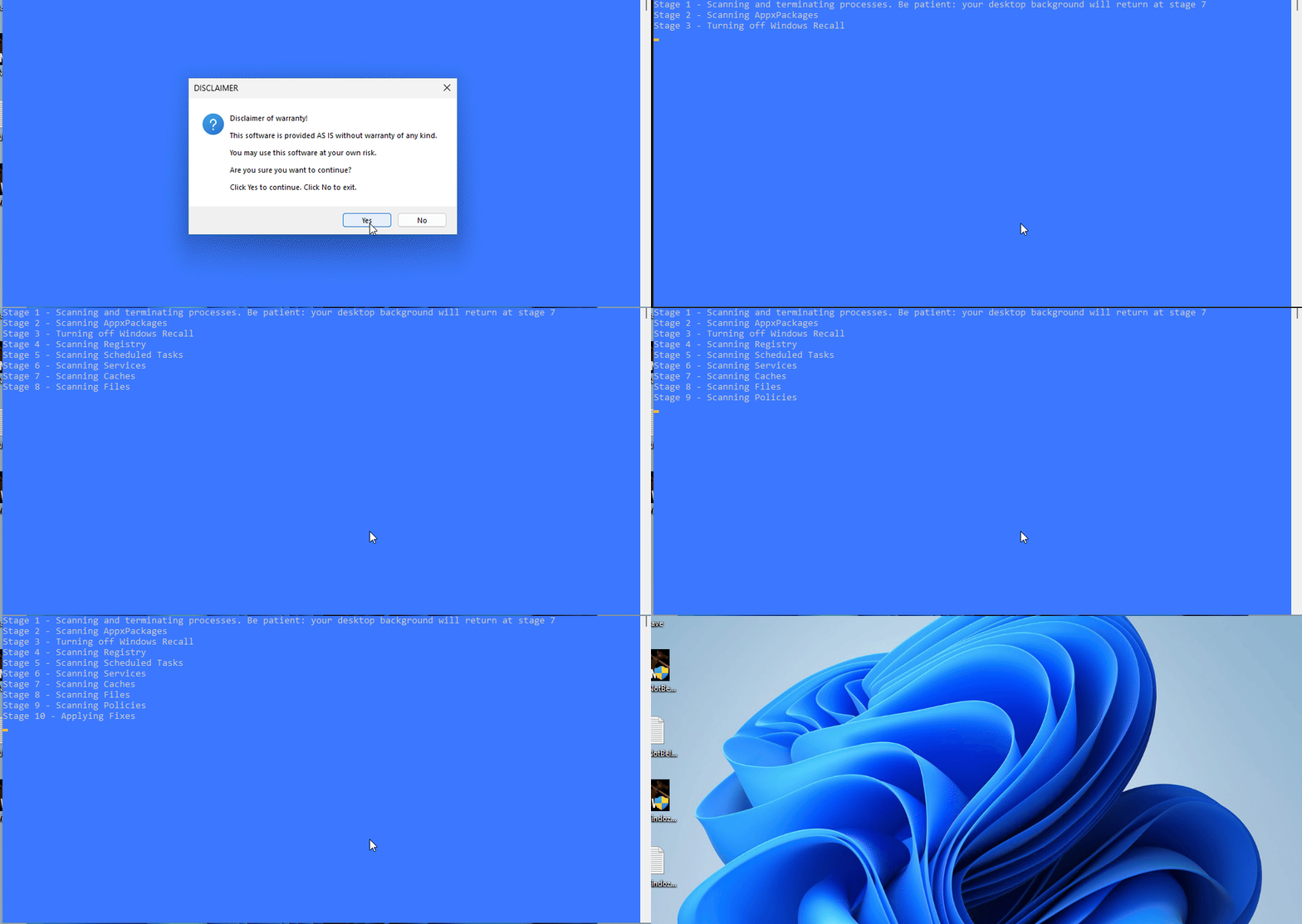
    PrivWindoze is a free, portable utility designed to identify and remove intrusive and potentially unwanted software. No installation is required โ€” simply run the program, scan your system, and review the results stored in a log file.

    Key Features

    • Detects and removes bloatware, nagware, and potentially unwanted software automatically
    • Disables data collection automatically
    • Multilingual support (22)
    • Generates a detailed scan log
    • Respects user privacy (no data is collected or transmitted)

    Supported Platforms

    • Windows 10, and 11 64-bit systems
    • Recommended to run with Administrator privileges

    Who Should Use It

    PrivWindoze is useful for:

    • Users experiencing slow or unstable Windows performance
    • Individuals wanting a leaner operating system without all the extra features Windows 10 and 11 include by default
    • Support personnel assisting others with system optimization.

    Usage Instructions

    1. Download the tool (approx. 4 MB)
    2. Right-click the file and choose Run as administrator
    3. Allow the scan to complete
    4. Review the log to see detected items and actions taken

    If you are working with a technician, share the log file to assist in diagnosing issues.


    License & Support

    PrivWindoze is offered free of charge. If you find the tool helpful, you may support ongoing development via donation.


    Disclaimer

    This tool performs system modification and may remove real system components. Use it with caution and at your own risk.
  • DoesNotBelong โ€“ Windows Cleanup Tool

    Overview

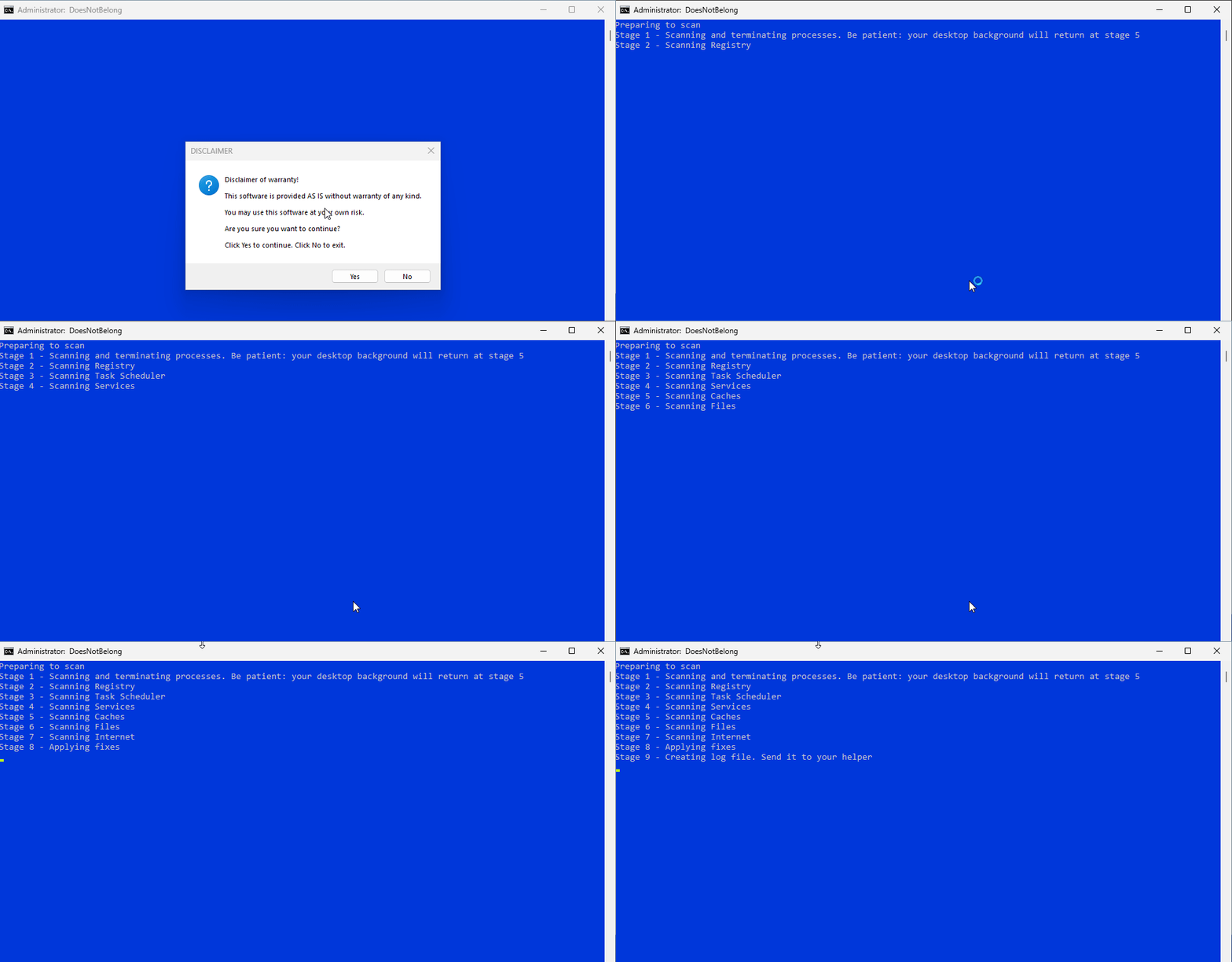
    DoesNotBelong is a free, portable utility designed to identify and remove malicious and potentially unwanted software. No installation is required โ€” simply run the program, scan your system, and review the results stored in a log file.


    Key Features

    • Removes malware, spyware, adware, junkware, suspicious, and potentially unwanted software automatically
    • Preference of maintaining environmental legitimacy which lowers tool size and helps catch 0-day threats
    • Global reach:

    • Generates a detailed diagnostic log of its findings and removals
    • Removed items are placed into a quarantine folder
    • Respects user privacy (no data is collected or transmitted)
    • It contends to be even faster than wiping and reloading the operating system

    Supported Platforms

    • Windows 7, 8, 10, and 11
    • 32-bit and 64-bit systems
    • Recommended to run with Administrator privileges

    Usage Instructions

    1. Download the tool (approx. 4 MB)
    2. Right-click the file and choose Run as administrator
    3. Allow the scan to complete
    4. Review the log to see detected items and actions taken

    If you are working with a technician, share the log file to assist in diagnosing issues.


    License & Support

    DoesNotBelong is offered free of charge. If you find the tool helpful, you may support ongoing development via donation.


    Contributors & Translators

    • Dragokas: Helped me test and troubleshoot bugs I encountered early on. For example, getting Cyrillic characters to print correctly in the log and in console was a major challenge. He also created a small tool to replace Nircmd, which is the dialog box with the Disclaimer. Lastly he helped with translating into Russian. A very special thanks to him!
    • M-K-D-B: Provided suggestions, feedback, and helped with translating into German
    • Picasso: Provided suggestions, feedback, and helped with translating into Polish
    • JSntgRvr: Provided suggestions and feedback
    • AdvancedSetup: Provided suggestions, feedback, and implementing boilerplates for members of Malwarebytes
    • Akok: Helped with creating and updating guides for members of SafeZone
    • Chicloi: Helped with creating and updating guides for members of ForoSpyware
    • Marcelo: Helped with creating and updating guides for members of ForoSpyware
    • Sandor: Provided suggestions, feedback, and helped with translating into Russian
    • Regist: Helped with Russian translations
    • Maxstar: Helped with Dutch translations

    Technical Information

    The Miscellaneous section of the log provides extra details gathered from the computer that could be useful for troubleshooting:

    • List of anti-virus software installed
    • Versions of Windows Defender, Brave, Google Chrome, and Microsoft Edge found
    • If Lightspeed network filter is installed
    • Event Viewer logs detailing Windows Defender crashes and recent system boot times
    • If invisible user John (miner) was found and removed
    • If important system files are missing
    • Quarantine contents from not only DoesNotBelong, but also DrWeb, Farbar Recovery Scan Tool, and TDSSKiller โ€” Present month only
    • Scan logs from other tools such as AdwCleaner, AutoLogger, HitmanPro, Malwarebytes, RogueKiller, and TDSSKiller โ€” Present month only
    • Windows Debugger logs from CrashDumps and Minidumps folders โ€” Present month only