Tag: mcafee

  • How to Avoid Unwanted Pop-Ups

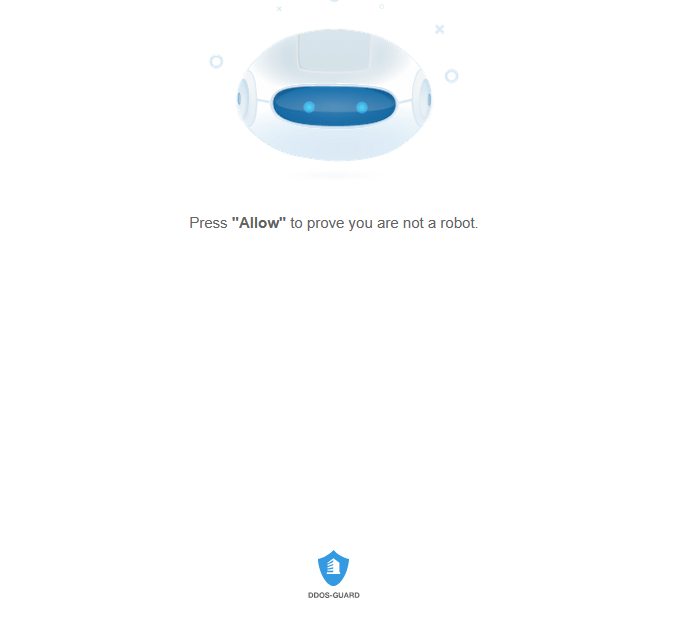
    If you have ever been using a browser and suddenly received a pop-up such as this one:
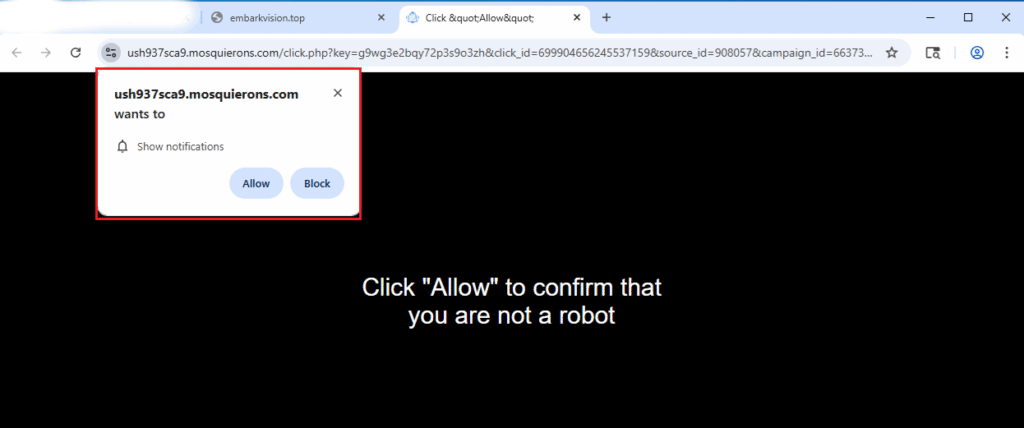
    Close the tab instead of clicking ‘Allow’ or ‘Block’

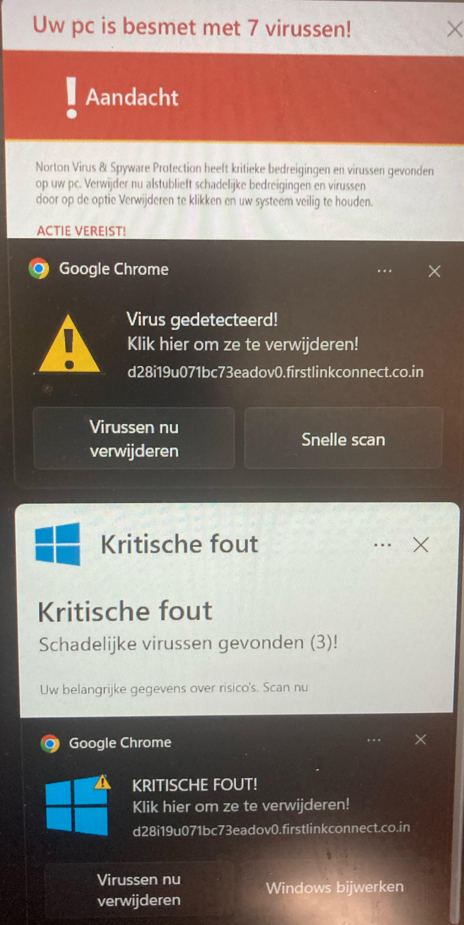
    If you press “Allow”, you not only add a setting to your browser that you won’t like, but you’ll start to get inundated with notifications (FakeAlerts) such as these:
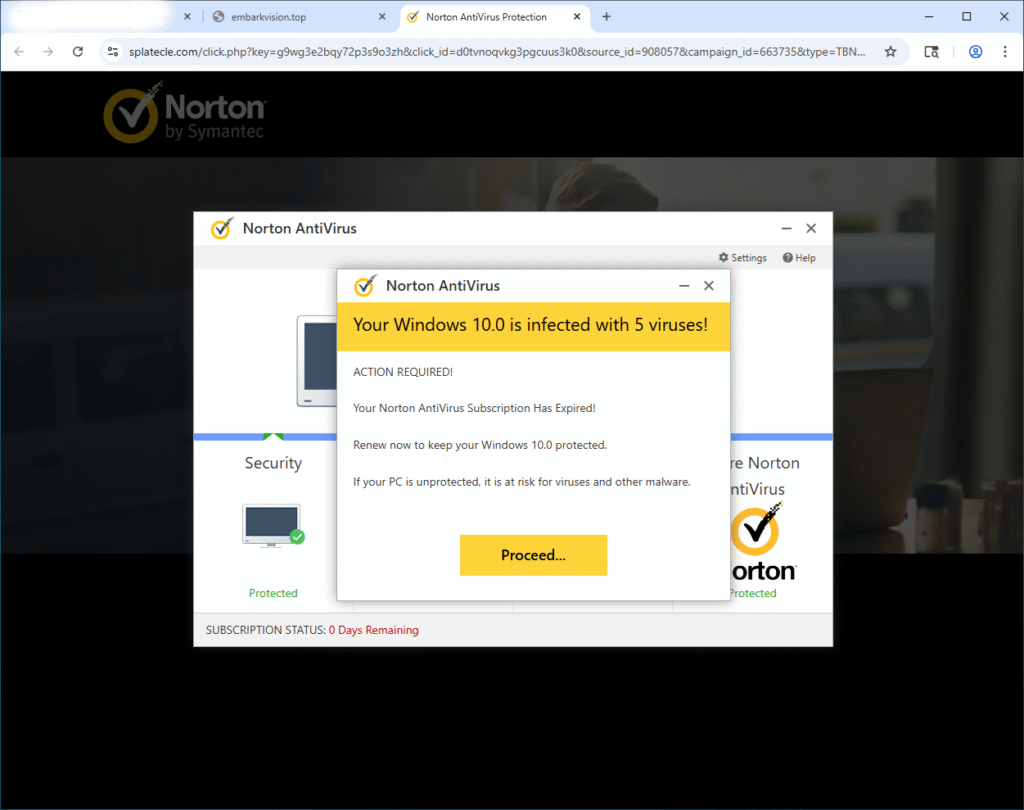
    Some of these show up in your browser, and some will appear in the bottom-right corner of your screen

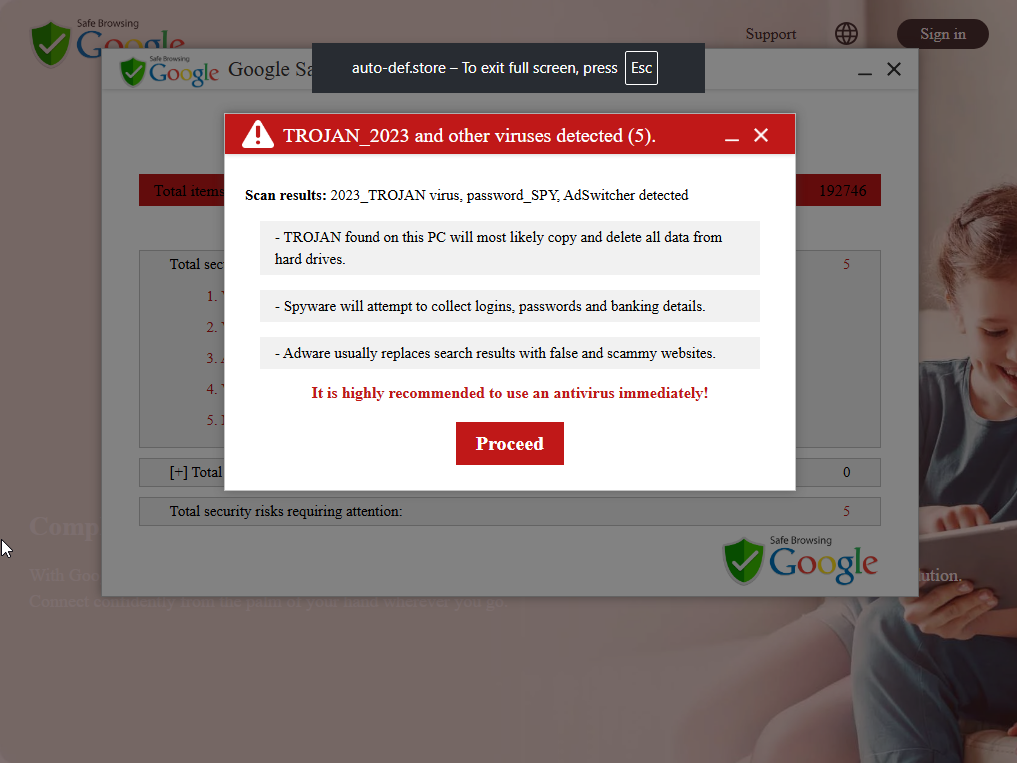
    It’s important to note that these are fake alerts designed to scare you into clicking “Install antivirus”, “Proceed..” etc. Essentially, they want you to visit a website of their choosing. Usually they receive some sort of payment for sending you there

    It’s important to be aware of what you click.

    If you need help with removing this type of problem, check out DoesNotBelong as it supports many browsers, except Gecko based browsers (FireFox, WaterFox, Floorp, etc…)

    If you’d like to do this yourself, open your browser (Microsoft Edge, Google Chrome, etc..) and type one of these into the address bar and then press ENTER:

    • edge://settings/content/notifications
    • chrome://settings/content/notifications
    • brave://settings/content/notifications
    • about:preferences#privacy <–Firefox users

    From this page, you should be able to immediately find the offending entry:
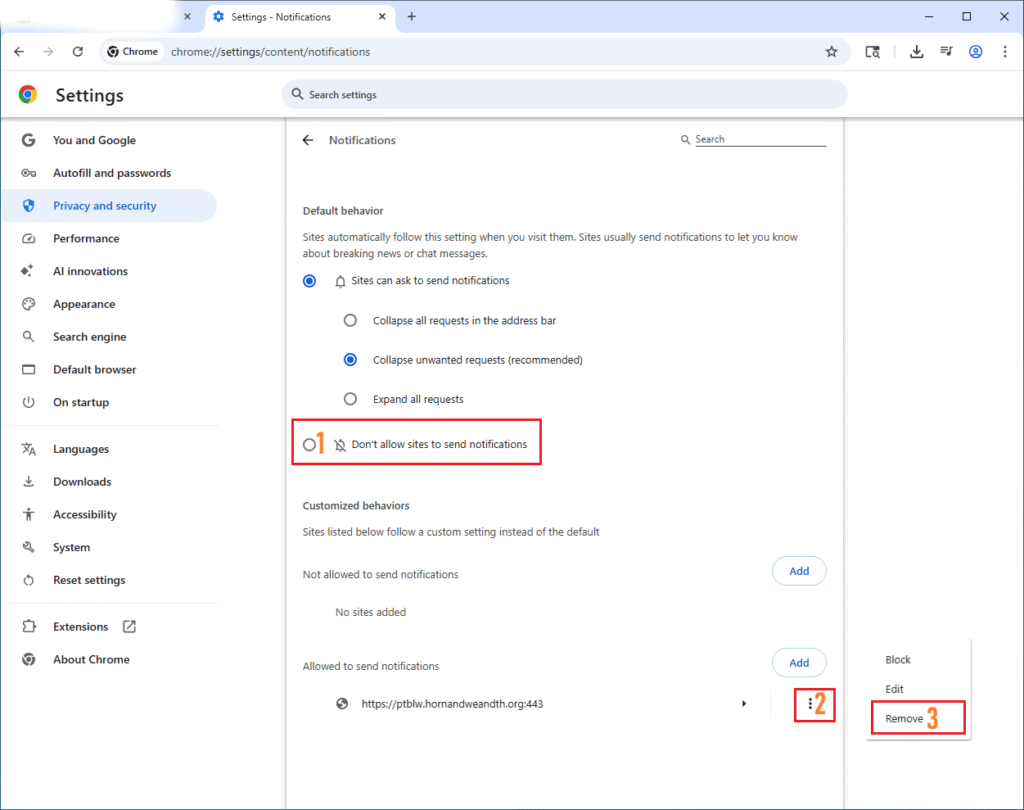
    Once you click Remove, the offending pop-ups should immediately disappear if they were active on your screen.

    Afterwards, consider using an adblocker and updating your hosts file. Here is mine if you are interested: Hosts_Adultxxx

    -Furtivex
  • Research

    I have a strong interest in identifying and analyzing malicious or unwanted network traffic, with a particular focus on discovering and blocking harmful domains at the system level. One of the ways I pursue this is through maintaining curated hosts files designed to proactively prevent access to known malicious, deceptive, or undesirable domains.

    I actively contribute to and maintain multiple hosts-based blocklists, combining manual research with real-world threat observations. These projects are intended to provide lightweight, transparent protection for users who prefer simple, effective, and auditable security solutions.

    Below are some examples where I am providing screenshots of the unwanted page and other technical information along with their timestamp of when encountered.

    Browser Lock // 01.30.2025

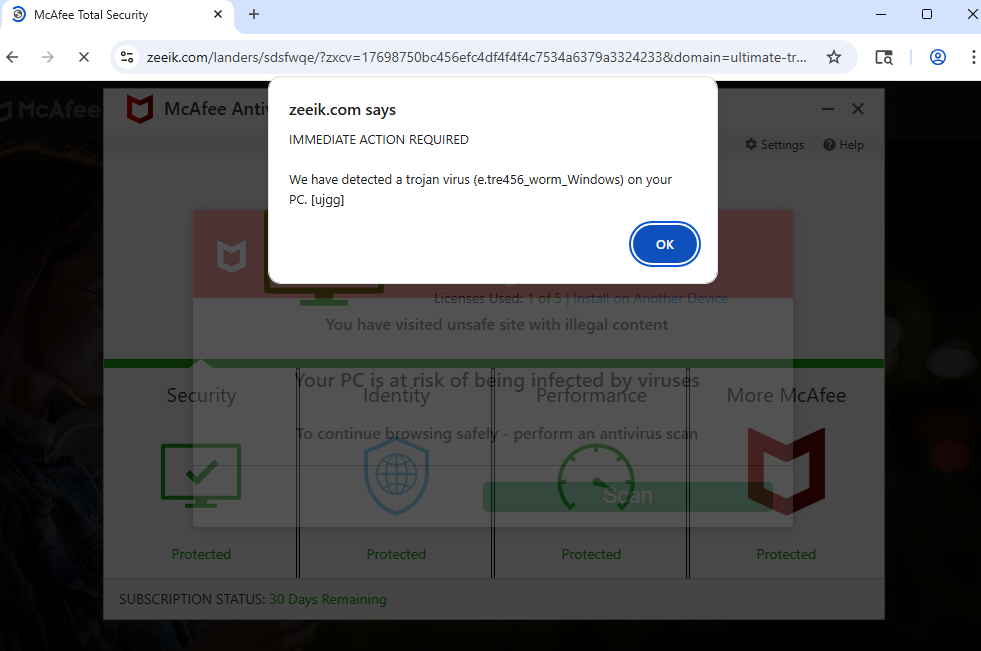
    McAfee Fake Alert // 01.30.2025

    TotalAV Fake Alert // 01.30.2025

    Norton Fake Alert // 01.31.2025

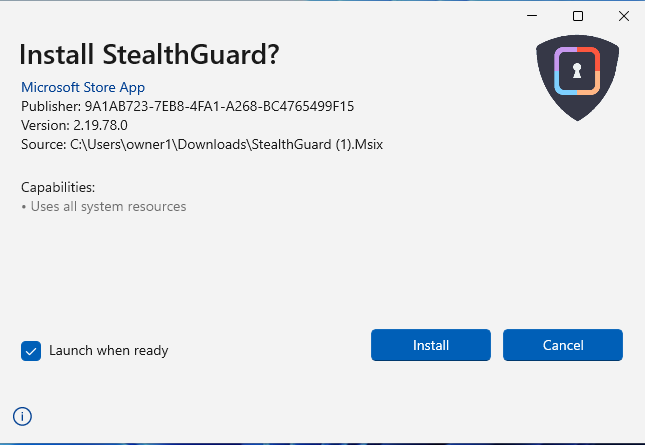
    Potentially Unwanted Software // 01.31.2025

    PushNotif // 01.31.2025

    Fake Dating // 01.31.2025

    McAfee Fake Alert // 01.31.2025

    Potentially Unwanted Software // 02.01.2025

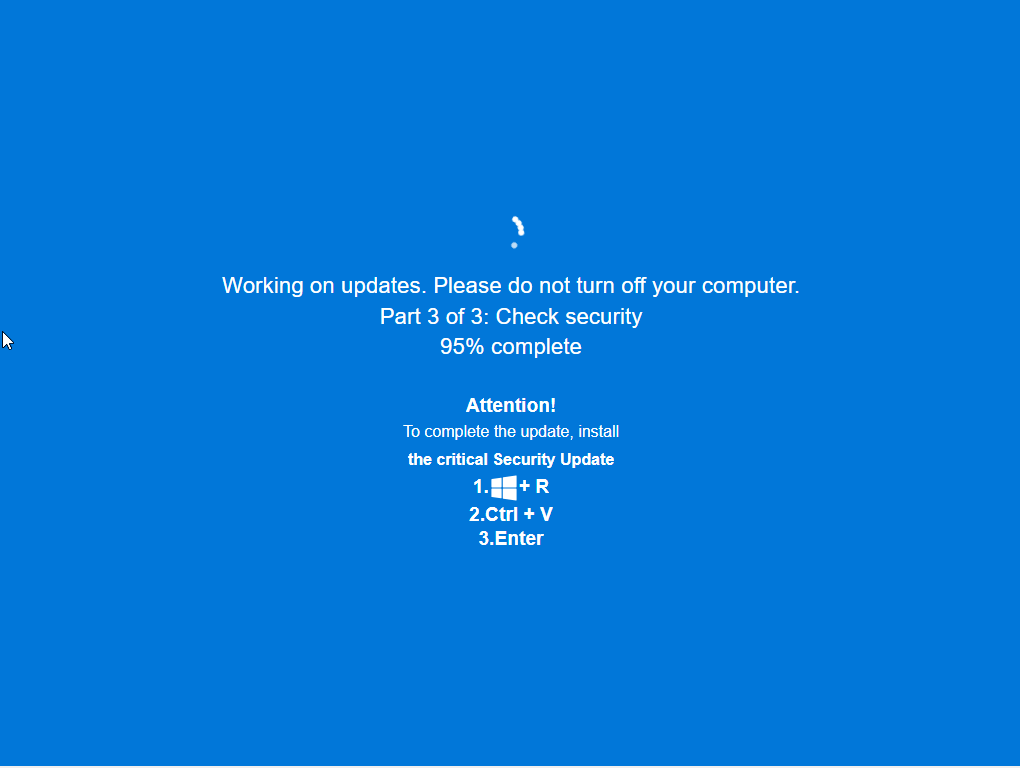
    ClickFix // 02.02.2025

    Sex ads // 02.11.2025

    McAfee Fake Alert // 02.22.2025

    Google Safe Browsing Fake Alert // 10.05.2025

    ClickFix // 10.12.2025

    Potentially Unwanted Software // 11.28.2025

    PushNotif // 12.12.2025

    FakeNews // 01.24.2026

    McAfee Fake Alert // 01.30.2026